



.avif)




%20(1).png)
.png)


.png)
January 29, 2026
Five Power BI Updates That Deliver Real Business Value
Every month, Microsoft releases Power BI updates and announcements. Some introduce new capabilities, some improve existing ones, and some are simply informative. For business users and business analysts, keeping up with all of them, and knowing which ones truly matter, is both time-consuming and unrealistic. This blog highlights my top five Power BI updates from June 2025 to January 2026 that deliver the greatest business value.
These updates are not selected for hype or marketing appeal, but for their impact on productivity, usability, and the real risks organisations need to understand when using Power BI.
Below are the five updates covered in this post, listed in the order they were announced.
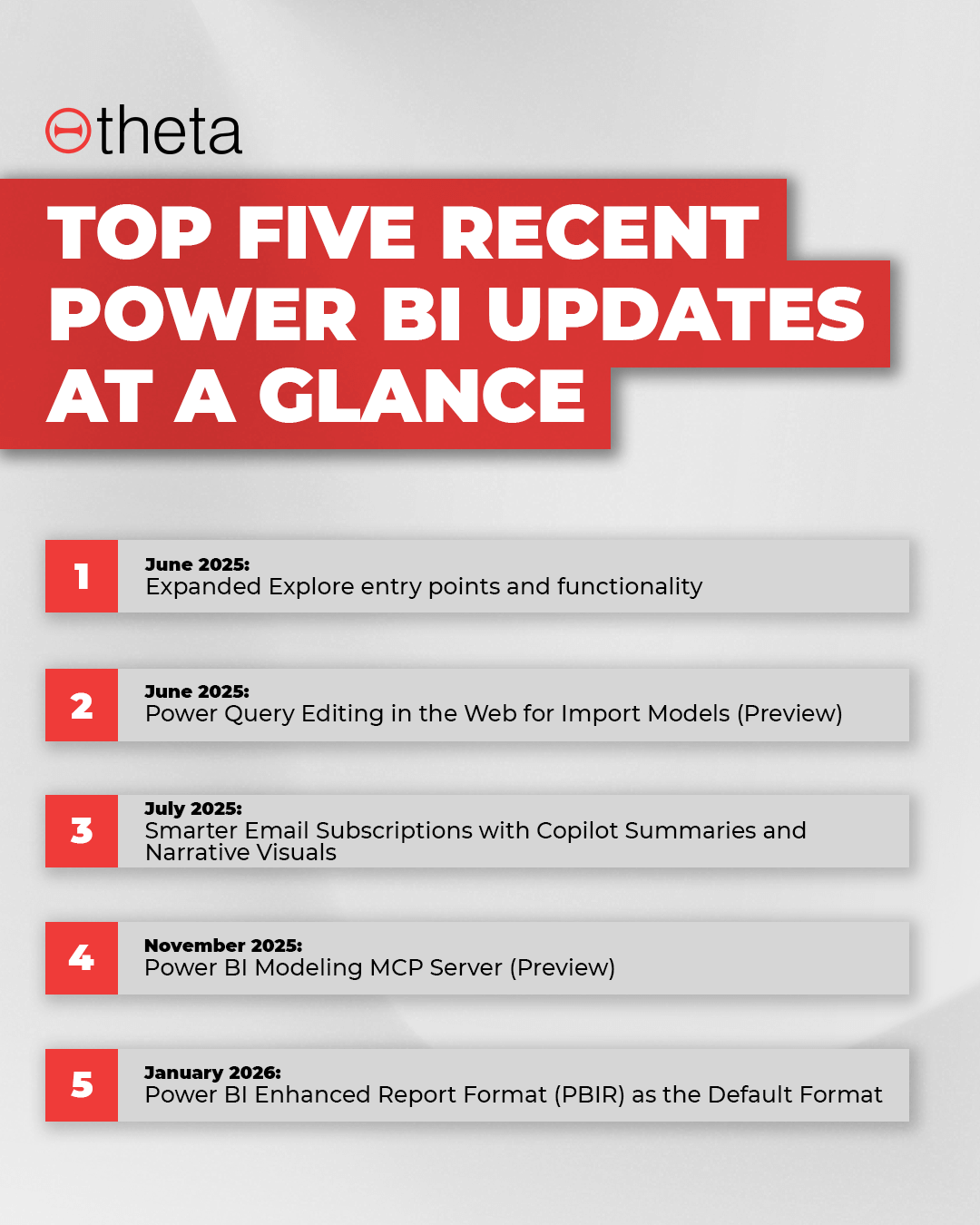
1. June 2025: Expanded Explore Entry Points and Functionality
The improvements to the Explore experience directly affect how business users interact with data. Explore allows users to analyse data without editing reports or creating new report copies. With more entry points and better access, users can answer common questions on their own.
From a business perspective, this reduces dependency on report authors for small variations. From an analyst perspective, it reduces the number of duplicate reports created just to answer slightly different questions.
Combined with the ability to use Visual Calculations directly within the Explore, this is a quiet but very effective improvement for scaling self-service analytics.
Check out Microsoft’s official documentation to learn more.
2. June 2025: Power Query Editing in the Web for Import Models (Preview)
One of the most important updates in the June 2025 feature summary for business analysts is Power Query editing in the web for Import models, now available in preview.
Until now, changes made in the Power BI service were limited.
While it was possible to rename fields or hide columns online, there was no access to the underlying Power Query queries and transformation steps. Any real change to data preparation, such as modifying logic, adjusting applied steps, or fixing issues in the query itself, still required opening Power BI Desktop and republishing the model.
This limitation slowed down simple fixes and created a strong dependency on local files and specific individuals who owned the Desktop version.
With Power Query editing available directly in the web, business analysts can make controlled changes to import models without leaving the browser. This is especially useful for teams working in shared environments where reports and semantic models are managed centrally. Simple data preparation tasks can now be handled faster, closer to where the model lives, and without breaking the flow of work.
From a productivity perspective, this reduces turnaround time for small changes. Analysts do not need to switch tools, and business users get fixes sooner.
From a risk perspective, it also reduces the chance of version conflicts caused by multiple local copies of the same report being edited and republished.
It is important to note that this feature does not remove the need for Power BI Desktop. Complex transformations and advanced modelling still belong there. But for everyday fixes and lightweight shaping, this is a meaningful step forward for organisations using Power BI in a more collaborative, web first way.
As this is still in preview, organisations should be intentional about who uses it and for what type of changes. Used correctly, it improves speed and reduces friction.
Used carelessly, it can blur ownership if governance is not clear.
Learn more about this feature in Microsoft’s official documentation.
3. July 2025: Smarter Email Subscriptions with Copilot Summaries and Narrative Visuals
One of the most practical improvements in the July 2025 Copilot update is smarter email subscriptions, where Copilot can generate summaries and include narrative visuals directly in the email.
Email subscriptions are still one of the most widely used Power BI features for business users. Many executives and managers do not open reports every day, but they do read emails. The problem until now was that subscription emails showed static screenshots with very limited context. Users often had to open the report just to understand what changed and why it mattered.
With Copilot summaries and narrative visuals, the email itself explains the story. Copilot highlights key changes, trends, or anomalies and adds a short written explanation alongside the visual. This means the reader can understand what is happening without immediately opening the report.
From a business productivity perspective, this saves time. Decision makers can scan an email and decide whether action is needed. If nothing important changed, they move on. If something looks off, they know exactly where to focus when opening the report.
From a reporting and analytics perspective, this also reduces misinterpretation. Instead of each reader forming their own assumption from a screenshot, the narrative provides shared context. This leads to more consistent understanding across teams, and fewer follow-up questions like “what caused this drop?” or “is this expected?”
This feature does not replace reports. It improves how insights are delivered. For businesses that rely on regular reporting cycles, this is a meaningful step towards making Power BI outputs more actionable, not just more visual.
4. November 2025: Power BI Modeling MCP Server (Preview)
The Power BI Modeling MCP Server (Preview), introduced in the November 2025 feature summary, is a significant productivity improvement for Power BI developers. Even though this feature targets development workflows, it is important for business users and business owners to understand why it matters and what it changes behind the scenes.
The MCP server allows developers to interact with Power BI semantic models programmatically using a standardised interface. In simple terms, it enables tools, automation, and AI-assisted workflows to read and modify model metadata in a controlled and repeatable way. This includes things like measures, relationships, calculations, and model structure.
From a productivity point of view, this reduces manual and repetitive work. Tasks that previously required clicking through the model, copying logic, or fixing things one by one can now be automated or assisted. Developers can validate patterns, enforce naming standards, and generate or refactor measures more consistently. This shortens development cycles and reduces human error.
For business users and owners, the value is indirect but very real. Faster development means features and fixes reach users sooner. Better consistency in the semantic model means reports behave more predictably and numbers are easier to trust. Over time, this improves confidence in reporting and reduces the risk of subtle modelling issues that only surface later in production.
This is not a tool business users will interact with directly. But it is a strong signal that the development side of Power BI is becoming more mature and more automatable. Organisations that invest in this capability early are likely to see higher quality models, cleaner logic, and a more scalable analytics environment overall.
For more information check out the official Power BI Modelling MCP GitHub repository.
5. January 2026: Power BI Enhanced Report Format (PBIR) as the Default Format
January 2026 was a relatively light month for new features, but there is one change worth noticing: Power BI Enhanced Report Format (PBIR) is now the default format.
While this change was announced earlier in November 2025, this change becomes effective from the end of January 2026. From that point onwards, new reports are created using PBIR by default, unless teams explicitly choose otherwise.
At first glance, this may not feel important to most business users or business analysts, because it does not change how reports look or how visuals are built. The impact sits behind the scenes, in how report files are structured and managed.
PBIR is designed to support better development practices. It enables cleaner source control, clearer change tracking, and easier collaboration across development teams. This is especially relevant for organisations with multiple Power BI developers, shared ownership of reports, or more formal release processes.
For business users and owners, the benefit is indirect but meaningful. Better development practices lead to more reliable updates, fewer accidental breakages, and faster turnaround times. Over the long term, it also improves maintainability. Reporting solutions become easier to support, even when people change roles or leave the organisation.
This change will not matter to everyone immediately. But for organisations with a growing Power BI footprint, multiple contributors, or plans to scale analytics more seriously, PBIR becoming the default format is a quiet but important step forward for Power BI.
Learn more about the PBIR format here.
Final Thoughts
It’s important that we remember that not every Power BI update deserves the same level of attention from business users and business analysts. Many features are useful only in specific scenarios, while others quietly change how people work with data on a daily basis.
The five updates covered in this post stand out because they either improve productivity in a meaningful way, reduce friction between users and analysts, or strengthen the foundations of how Power BI solutions are built and maintained. Some of them are visible directly to business users, like Explore improvements and smarter email subscriptions. Others work behind the scenes, such as Power Query editing in the web, the Modeling MCP Server, and PBIR becoming the default format.
What is important to understand is that business value does not always come from flashy features. Often, it comes from better workflows, clearer ownership, and more reliable delivery of insights. When analysts can work faster and with fewer errors, business users feel the benefit even if they never touch those tools themselves.
As always, the goal is not to chase every new feature. The real benefit comes from understanding which updates matter for your organisation, how they affect the way people work, and when it makes sense to adopt them. If we focus on those, Power BI continues to become not just more powerful, but also more trustworthy as a business platform.
Related Posts
%20(1).png)
June 17, 2025
Power BI Update May 2025: Step-By-Step Guide to Configure the Newly Released “Verified Answers” Feature for Copilot
While we were preparing this blog and recording the courtesy video, the June 2025 updates have already been released. However, the May 2025 release brought a substantial set of features that we believe are worth highlighting. Even though this blog comes a little later than usual, we decided to go ahead and publish it. We think it still offers valuable insights and practical information for the Power BI community.